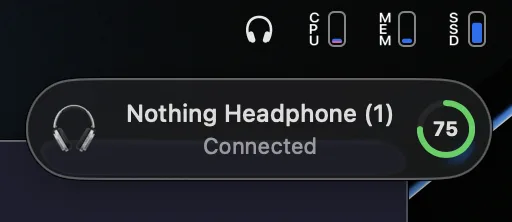
Everything in one click
Battery, noise cancellation, spatial audio, bass and equalizer — right from the menu bar.

A native macOS app to control your Nothing and CMF earbuds. Battery, noise cancellation, spatial audio and EQ — one click away.
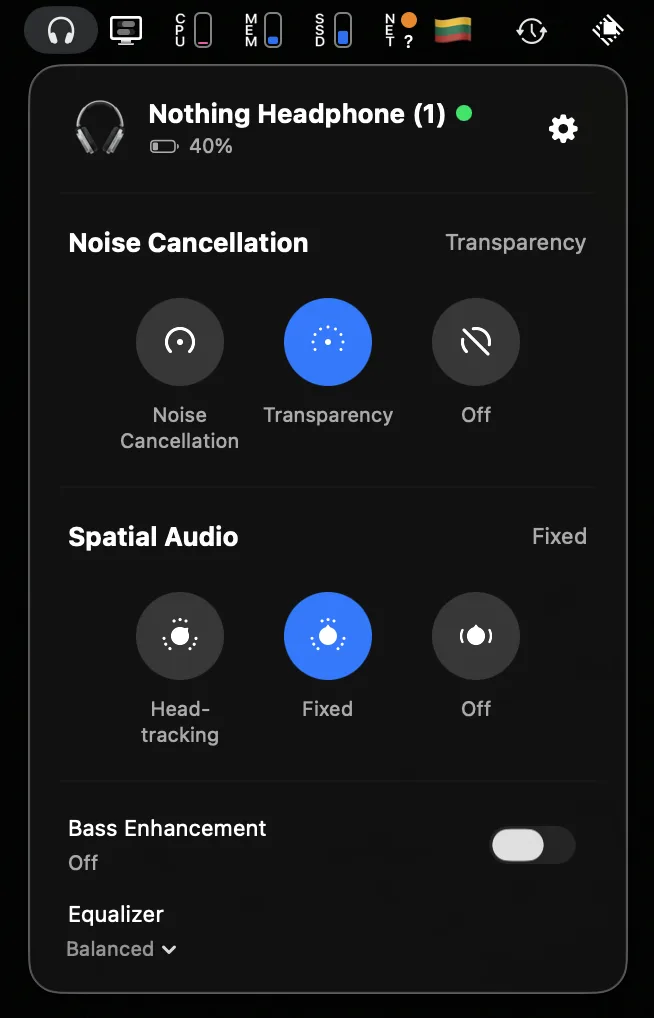
Battery, noise cancellation, spatial audio, bass and equalizer — right from the menu bar.
No analytics. No cloud. No account. Everything stays on your Mac.
and fully open source on GitHub
SwiftUI menu bar app —
lightweight, fast,
no Electron in sight
Seamless updates via Sparkle, managed right in settings.
Classic or Apple-style notifications
Support grows with the community — new devices land here first.
Download it for free
Requires macOS · Updates automatically via Sparkle